Turn every school TV into a smart digital information screen.
INFO DIS Slideshow is an Android-based digital signage software that displays school notices, class schedules, exam updates, events, fee reminders, achievements and important announcements on your school screens — all controlled easily from one simple web panel.
Test it on your school’s Android TV / box first. Buy the license only if it truly works for your school.
Paper notices, notice boards and repeated announcements are slowing your school down.
If your school still depends on printed circulars, handwritten notices and teachers repeating announcements verbally, you are losing both time and parent trust.
For Students & Parents
- Confusion about class schedules, exam dates and school events.
- Important notices missed by students or lost in school diaries.
- No clear visibility of results, holidays, PTMs and competitions.
- Students waiting without knowing what’s next in the schedule.
For School Management & Staff
- Teachers and office staff repeating the same information all day.
- Separate effort for printing, distributing and replacing notices.
- Last-minute changes in timetable or exams are hard to communicate fast.
- Lost opportunity to showcase school achievements, events and admissions info.
The result? Wasted staff time, confused students and anxious parents — even though you already have TVs and screens installed in your school.
INFO DIS Slideshow — Digital Signage for Modern Schools
INFO DIS Slideshow turns any Android TV, Android box or stick into a centralized school digital information screen. Upload images & videos, create notice playlists, schedule them and manage everything from a simple web interface.
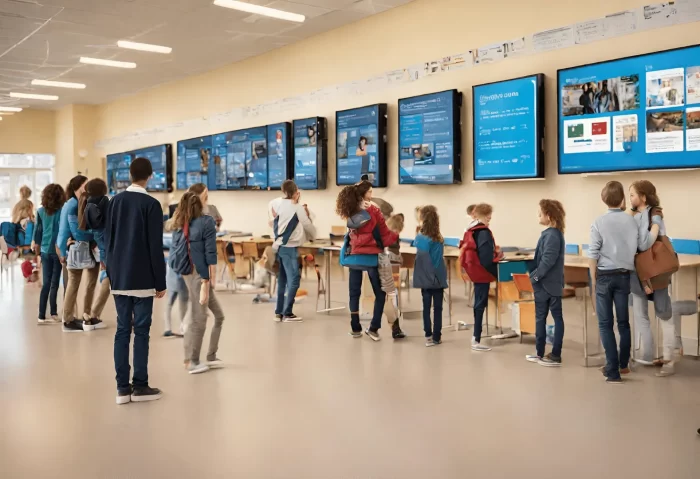
Class & Waiting Area Screens
- Confusion about class timings, periods and room changes.
- Students missing important announcements and daily updates.
- No clear display of PTMs, competitions and activity schedules.
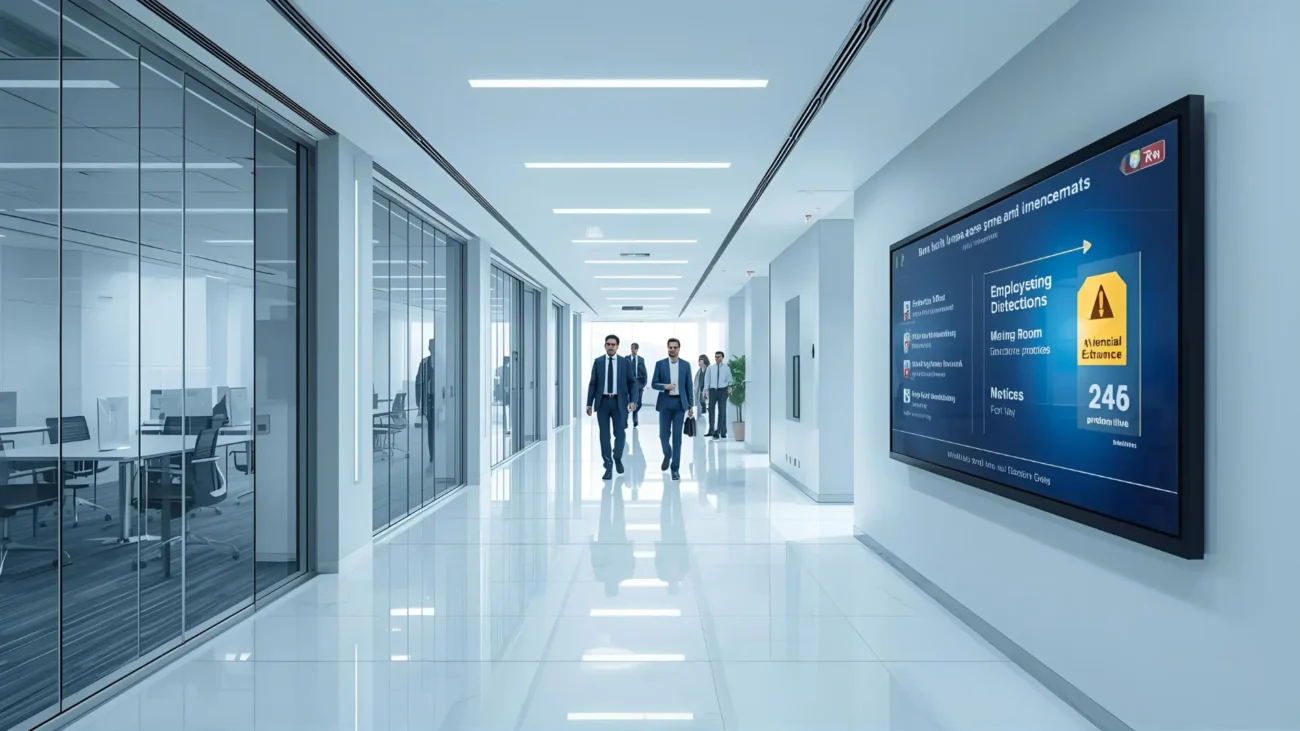
Corridor & Office Area Screens
- Teachers and staff repeating the same instructions all day.
- Separate effort for printing, replacing and removing notices.
- Lost opportunity to display admission updates, holiday notices and rules.
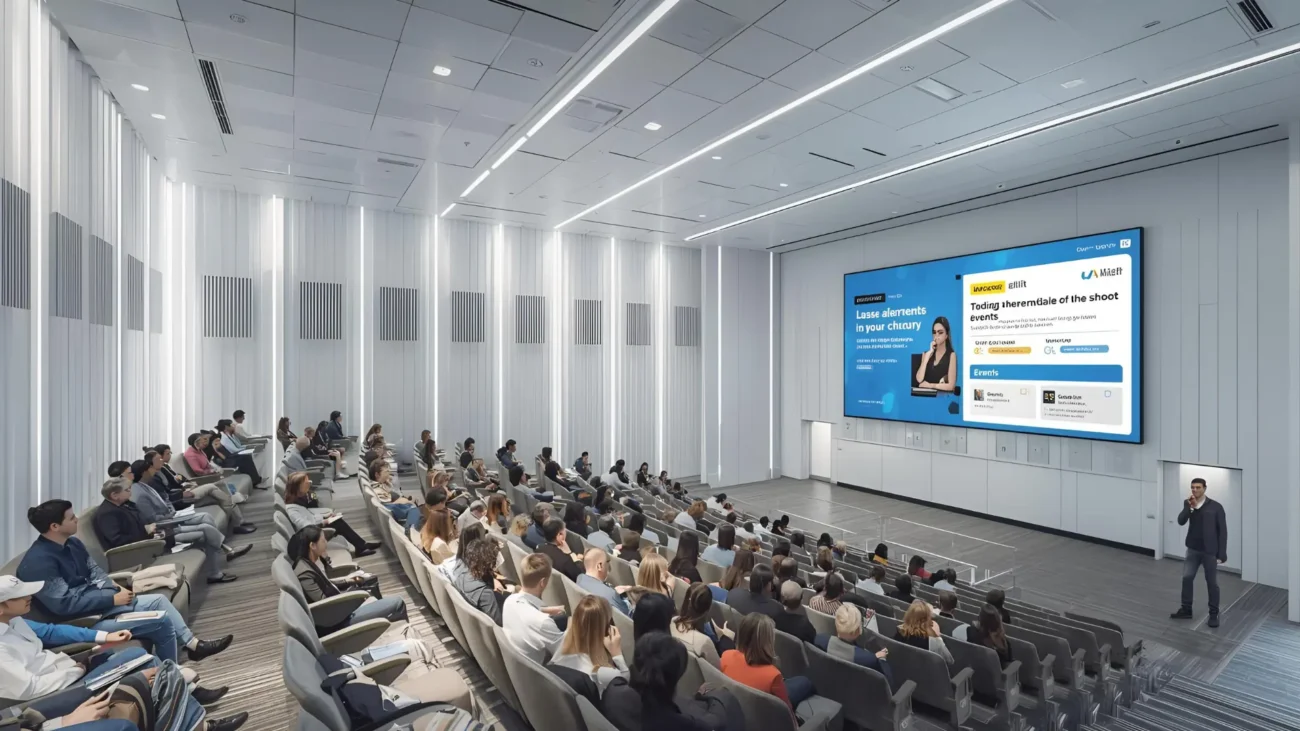
Auditorium Area Screens
- Important school achievements not visible to everyone.
- Students unaware of upcoming events, exams and celebrations.
- Lack of motivational, educational and activity-based content on screens.
The result? Wasted staff time, confused students and missed communication opportunities — even though you already have TVs installed in your school.
Direct benefits for your school — not just “nice to have”.
For School Management & Admin
- Reduce repetitive queries at school office and reception.
- Announce timetable changes, holidays and exam updates instantly — no printing required.
- Promote admissions, events, competitions and achievements on all screens.
- Faster communication between principal, teachers and students.
- Stronger, more professional school brand image for parents and visitors.
For Students & Parents
- Clear, visual information instead of asking teachers again and again.
- Less confusion about classes, exams, PTMs and school activities.
- Positive school experience with educational and motivational content.
- Better trust in school systems, announcements and discipline.
- Students stay informed and more confident throughout the day.
The result? Faster communication, less confusion and better parent trust — even though you are using the same TVs already installed in your school.
Why K-12 schools choose INFO DIS Slideshow (Android)
All the tools you need to manage school digital notice & information screens — packed into one simple Android application and web panel.
Powerful, yet simple to operate
- Upload, organize and schedule school notices, images & videos.
- Create playlists for morning assembly, class periods, breaks and dispersal.
- Schedule content for school hours automatically (morning / mid-day / evening).
- Update all school screens remotely from your browser.
- Instantly change exam schedules, holidays and announcements across all TVs.
Built for school realities
- Works with Android TVs, boxes and sticks already installed in schools.
- No credit card needed for Free Trial download.
- Free Trial has all features – only a small screen watermark.
- One-time license – lifetime use on that device.
- Perfect for playgroup, primary, secondary and senior secondary (K-12) schools.
The result? Less manual notice work, faster communication and full control over school information — even with the same TVs already installed.
How it works in your school — in 3 simple steps
- 1. Install on your Android screen
Download the INFO DIS Slideshow Free Trial on your Android TV / box.
Connect it to the TV in classrooms, staff room, reception or common areas to start showing digital school information instantly.
- 2. Upload school content
From the web panel, upload school notices, class schedules, exam timetables, event posters, achievements, fee reminders and videos.
Create multiple playlists for different classes and time slots in just a few minutes.
- 3. Schedule and forget
Set schedules for morning assembly, class periods, breaks, dispersal and special days.
INFO DIS will automatically play the right content at the right time on each school screen without manual effort.
When you are satisfied with the Free Trial results, purchase a license key for your device.
Once the key is applied, the “Free Trial” overlay disappears instantly.
Special launch offer for the first 10 businesses this month
We onboard only 10 new businesses every month with high-support, high-impact setup.
If you’re seeing this, slots for this month are still open — but not for long.
✅ Next batch opens on 1st of
This is a limited monthly launch batch. Once slots are filled, onboarding closes.
Trusted by School Across India
Our school digital information system is helping K-12 institutions reduce communication gaps, improve parent trust and deliver a smoother daily school experience every single day.
It ensures real-time updates for parents, staff, and students on a single unified platform.
Important notices, schedules, and alerts reach everyone instantly without delays.
This creates a more transparent, connected, and efficiently managed school environment.
Tell us about your school — get a focused digital screen demo plan.
Share a few basic details and our team will contact you to schedule a demo.
You can choose a remote demo or discuss an on-site walkthrough for your school campus.
- No obligation — first see the trial on your own school screen, then decide.
- We focus on real communication impact — not just “fancy screens”.
- Perfect for single-campus schools and multi-branch school groups.
What you’ll experience in the live demo:
- How your school digital notice screens will look in real time.
- How to show class schedules, exam timetables, circulars & announcements.
- How to display events, achievements, holidays & fee reminders on screens.
- How to control everything easily from one simple Android web panel.
- Works with your existing Android TV or TV Box installed in school.
This is not a sales call — it’s a practical walkthrough to help you decide clearly.
We also offer a separate School Token / Visitor Management & Announcement Display System for large campuses and multiple entry points.
Just fill the form for a free live school screen demo — decide only after you see it working in your school.
Live demo on your school’s Android TV or TV box • No payment required • No obligation
Decide only after the live school screen demo — see if this really helps your school communication.
No pressure, only clarity.
Potential Benefits of INFO DIS Digital Screens in the School
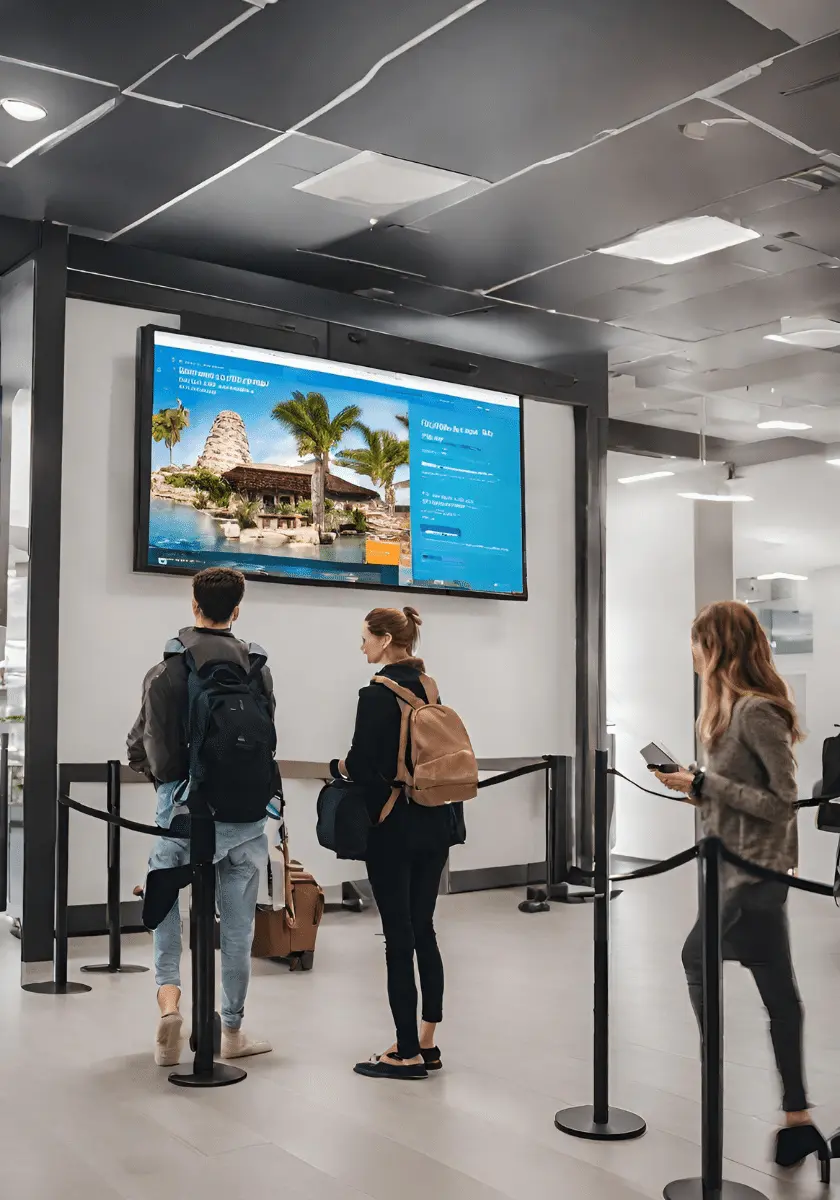
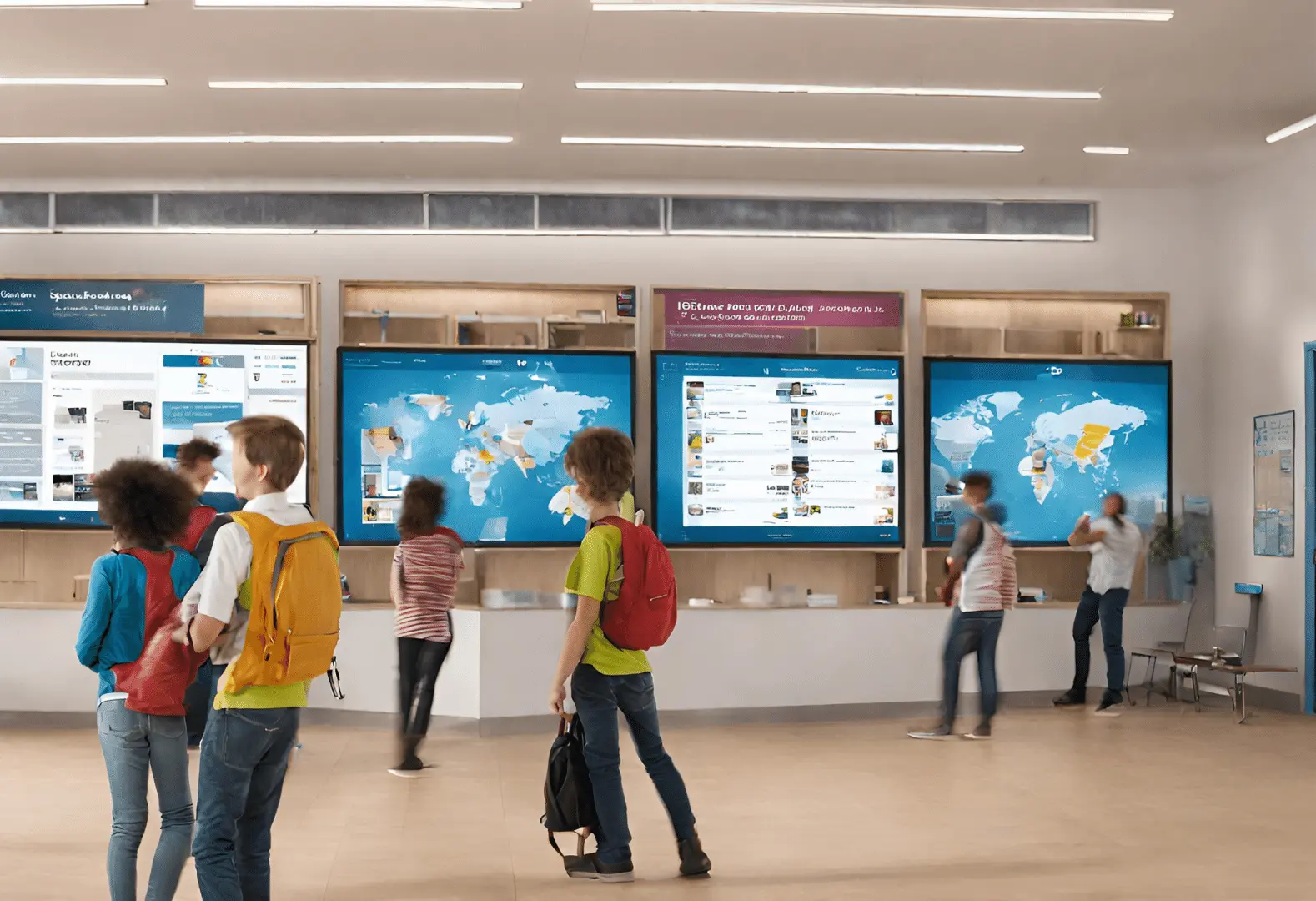
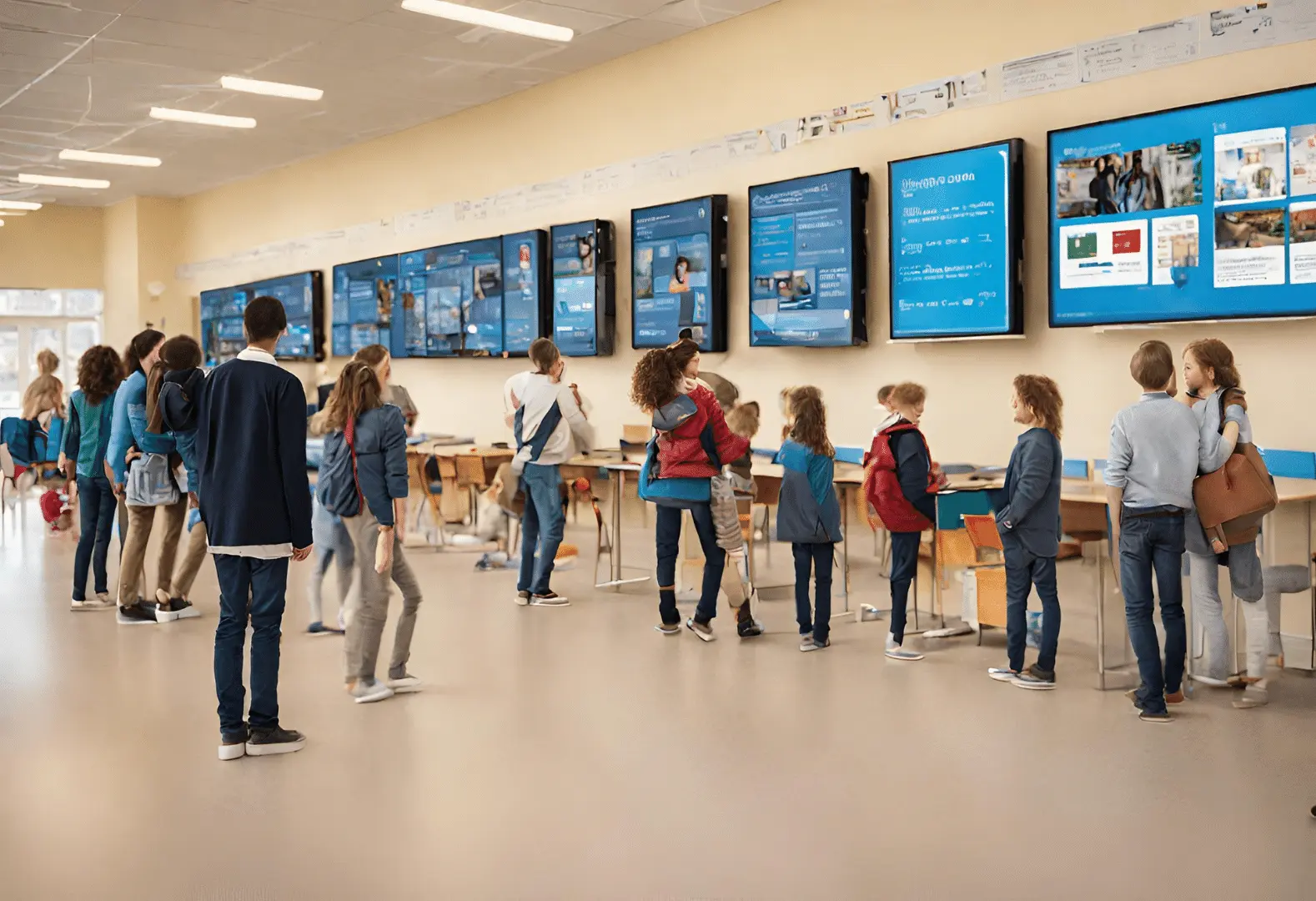
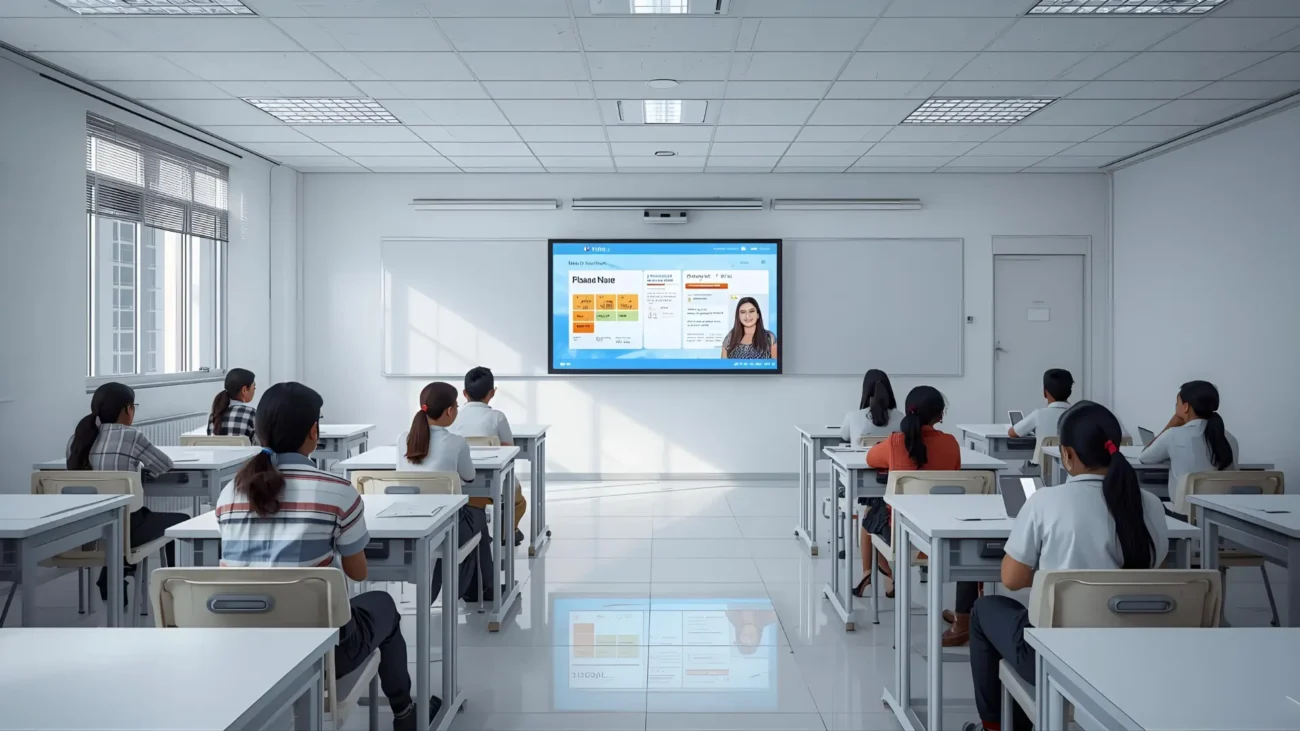
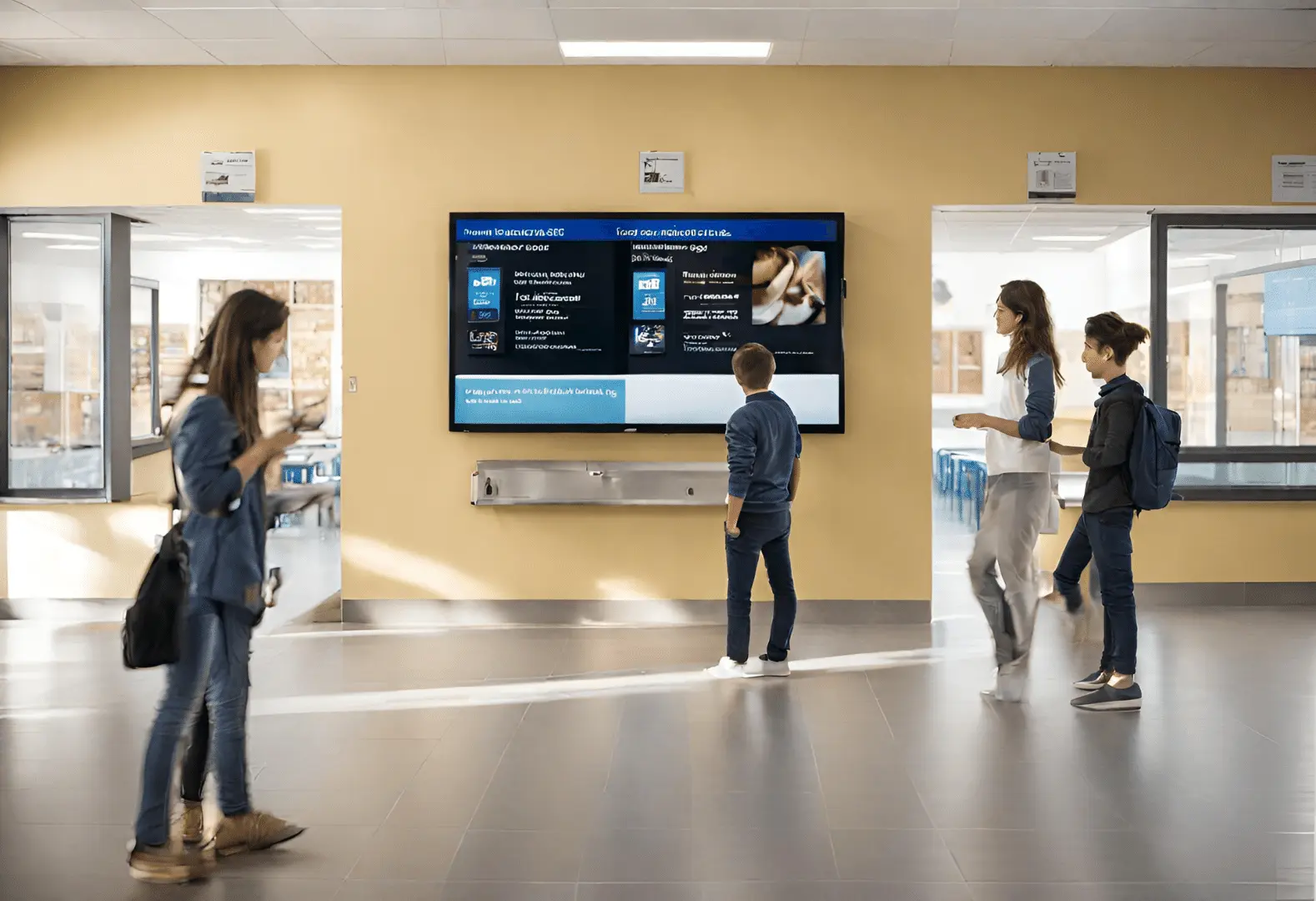
An example of digital signage for displaying school information